
EWR Digital

Technical SEO

by | Nov 4, 2023 |

Enhancing Core Web Vitals for Improved SEO and User Experience

As search engines continue to shape our online experience, it's crucial to understand the complex inputs and algorithms driving Google's search results. One essential aspect is the delivery of instant and relevant information, which relies on fast-loading websites. Google's Core Web Vitals, comprising metrics such as Largest Contentful Paint, First Input Delay, and Cumulative Layout Shift, play a pivotal role in evaluating page speed, interactivity, and visual stability. By optimizing these metrics, websites can improve their Page Experience scores, achieve higher rankings, and offer users a superior technical experience. In this article, we provide a comprehensive overview of Core Web Vitals, their importance, and practical insights for boosting website rankings through technical SEO.

Read article ›

by | May 23, 2023 | ,

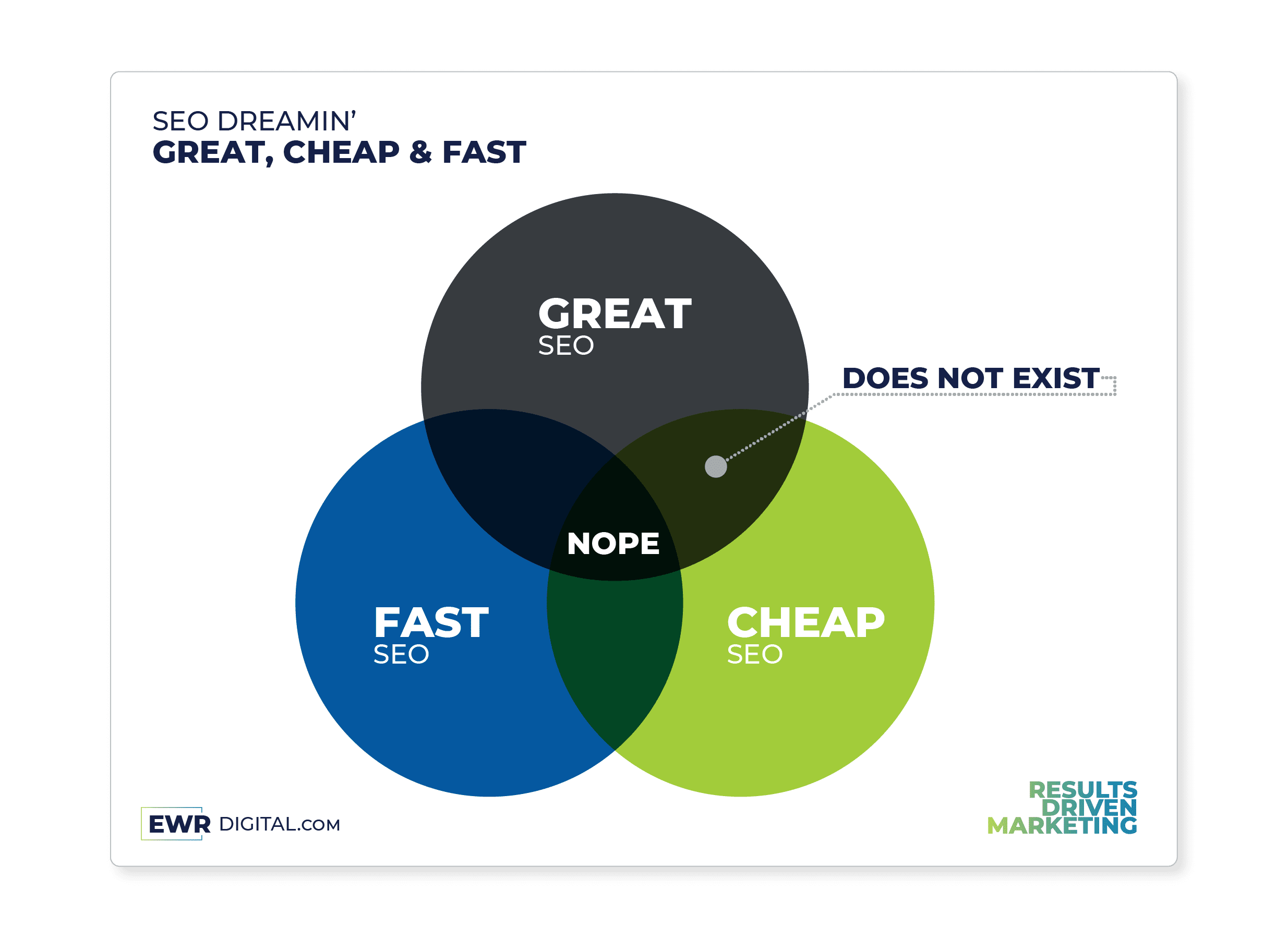
Finding the Perfect Balance: Great, Fast, and Cheap SEO Strategies

In the world of SEO, businesses strive to achieve greatness, speed, and affordability, but finding the perfect balance between these elements can be a daunting task. This blog post explores the overlap between great, fast, and cheap SEO strategies. Learn how to prioritize quality, optimize for speed, and make smart investments to ensure long-term success in the competitive digital landscape. Discover the key techniques to strike the perfect balance and unlock the full potential of your SEO efforts.

Read article ›

by | Apr 29, 2023 |

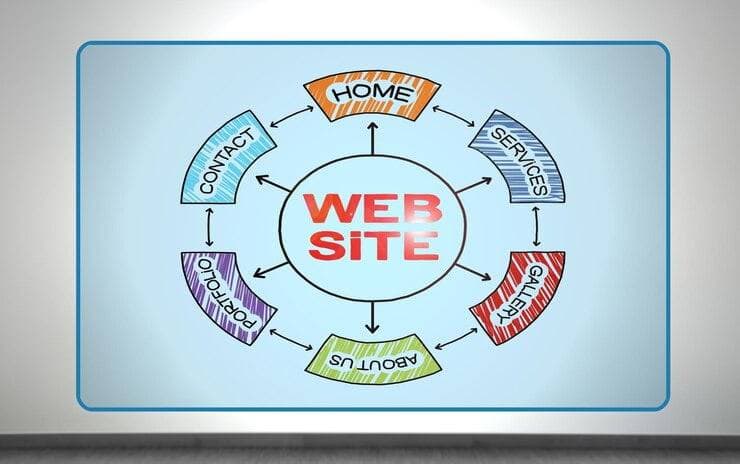
Mastering Website Navigation: How to Navigate Menus and Sub-Menus

Have you ever found yourself frustrated with a website's menu system? You're not alone. Website menus and sub-menus can be complex and confusing, leaving many users feeling lost and unsure of how to find the information they need. But fear not! With a few tips and tricks, you can navigate any website's menu system like a pro.

One of the first things to understand about website menus is their structure. Most menus follow a hierarchy, with main categories listed across the top or down the side of the page, and sub-menus appearing when you hover or click on a main category. By understanding this structure, you can quickly get a sense of how a website's menus are organized and where to find the information you need.

Another helpful tip is to use keyboard shortcuts. Many websites have keyboard shortcuts that allow you to quickly navigate to different sections of the site. For example, pressing "Ctrl + F" on a Windows computer or "Command + F" on a Mac will bring up a search box, allowing you to quickly search for specific content on the page.

Finally, it's important to remember that every website is different, so what works for one site may not work for another. If you're having trouble finding what you need, don't be afraid to experiment with different menu options and see what works best for you.

By using these tips and tricks, you can become a master of website navigation and quickly find the information you need on any site. So next time you're feeling lost in a sea of menus and sub-menus, remember these tips and navigate your way to success.

Read article ›