
WordPress SEO
Unlock the full potential of your WordPress website and overcome its unique challenges with our expert SEO services tailored specifically for the platform.
Are you struggling to make your WordPress site stand out in search engine results? You’re not alone. The intricacies of the WordPress platform can make SEO difficult. Discover how our tailored solutions can help you overcome these hurdles.
Award-Winning Agency






WordPress SEO Services: EWR Digital

At EWR Digital, we’re your ultimate partner in conquering the complexities of WordPress website SEO. With our extensive expertise and specialized knowledge of the WordPress platform, we’re uniquely equipped to navigate the challenges and maximize the potential of your website. What distinguishes us is our unwavering dedication to delivering results tailored to your specific needs. We take a personalized approach, meticulously crafting SEO strategies that align with your business objectives and resonate with your target audience. From in-depth audits to strategic optimizations, we’re committed to ensuring your WordPress website not only ranks higher in search results but also drives meaningful engagement and conversions. With EWR Digital, you can trust that your WordPress SEO efforts are in capable hands, setting the stage for sustainable growth and unparalleled success online.
What is WordPress SEO?
WordPress SEO (Search Engine Optimization) refers to the process of optimizing a WordPress website to improve its visibility on search engines like Google, Bing, and Yahoo. Since WordPress is inherently SEO-friendly, with clean code and a structure that supports indexing, proper optimization can significantly enhance organic traffic.







WordPress SEO Techniques
Key Aspects of WordPress SEO
- Technical SEO
- Permalinks: Set to SEO-friendly URLs (
Settings → Permalinks → Post Name). - Sitemaps: Use plugins like Yoast SEO or Rank Math to generate XML sitemaps.
- Robots.txt Optimization: Helps search engines understand what pages to crawl.
- Schema Markup: Enhances search results with rich snippets.
- Mobile Responsiveness: Google prioritizes mobile-friendly websites.
- Permalinks: Set to SEO-friendly URLs (
- On-Page SEO
- Keyword Optimization: Target relevant keywords in titles, headings, and content.
- Title Tags & Meta Descriptions: Well-crafted metadata improves CTR.
- Header Tags (H1, H2, H3): Proper structuring for readability and SEO.
- Internal Linking: Improves crawlability and user experience.
- Image Optimization: Compress images and add alt tags.
- Content Optimization
- Quality Content: Long-form, engaging, and valuable content ranks higher.
- Blogging: Regular blog posts establish authority.
- User Intent: Align content with search intent (informational, transactional, etc.).
- Content Updates: Keep content fresh and relevant.
- Off-Page SEO
- Backlink Building: Get high-quality links from authoritative sites.
- Social Signals: Shares, likes, and engagement boost visibility.
- Guest Blogging: Writing on industry-relevant blogs can build authority.
- Site Speed & Performance
- Caching: Use WP Rocket, W3 Total Cache, or WP Super Cache.
- CDN (Content Delivery Network): Services like Cloudflare improve speed.
- Image Compression: Plugins like ShortPixel or Smush optimize images.
- Hosting: Choose a reliable WordPress-optimized hosting provider.
- Local SEO (If Applicable)
- Google Business Profile: Essential for local rankings.
- NAP Consistency: Name, Address, and Phone number must be the same across directories.
- Local Citations & Reviews: Enhance trust and visibility.
- Security & SEO
- SSL Certificate: HTTPS is a ranking factor.
- Regular Updates: Keep WordPress core, themes, and plugins updated.
- Security Plugins: Wordfence or Sucuri for website protection.


What Clients say about our SEO services

“We are page 1 for most search terms that are relevant to our industry. Our rankings are really impressive in both Houston and Austin.”
Contractors
"I’m in the top 5 for all relevant keywords, and I give all the credit to EWR Digital."
Legal
“Once we got to the 1st page of Google we had an influx of leads. This is going to be the best year we’ve had.”
John Despeaux — Guardian Roofing, Houston, TX
Home Services
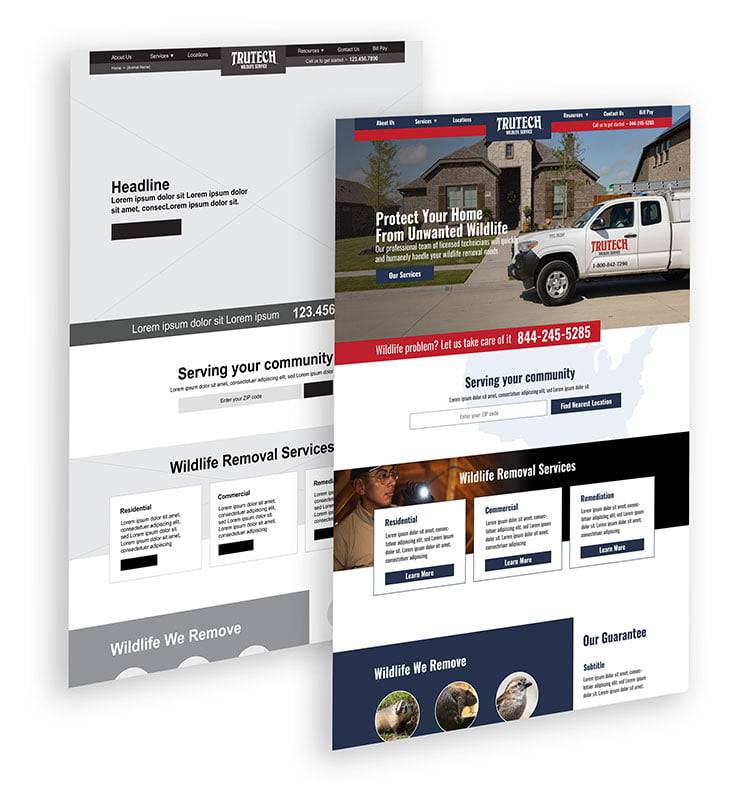
Onpage SEO Audit
Why WordPress SEO Matters?
- Increases organic traffic.
- Enhances brand credibility and authority.
- Leads to better conversion rates.
- Provides a long-term digital marketing advantage.
Would you like help with a WordPress SEO audit or a checklist? 🚀
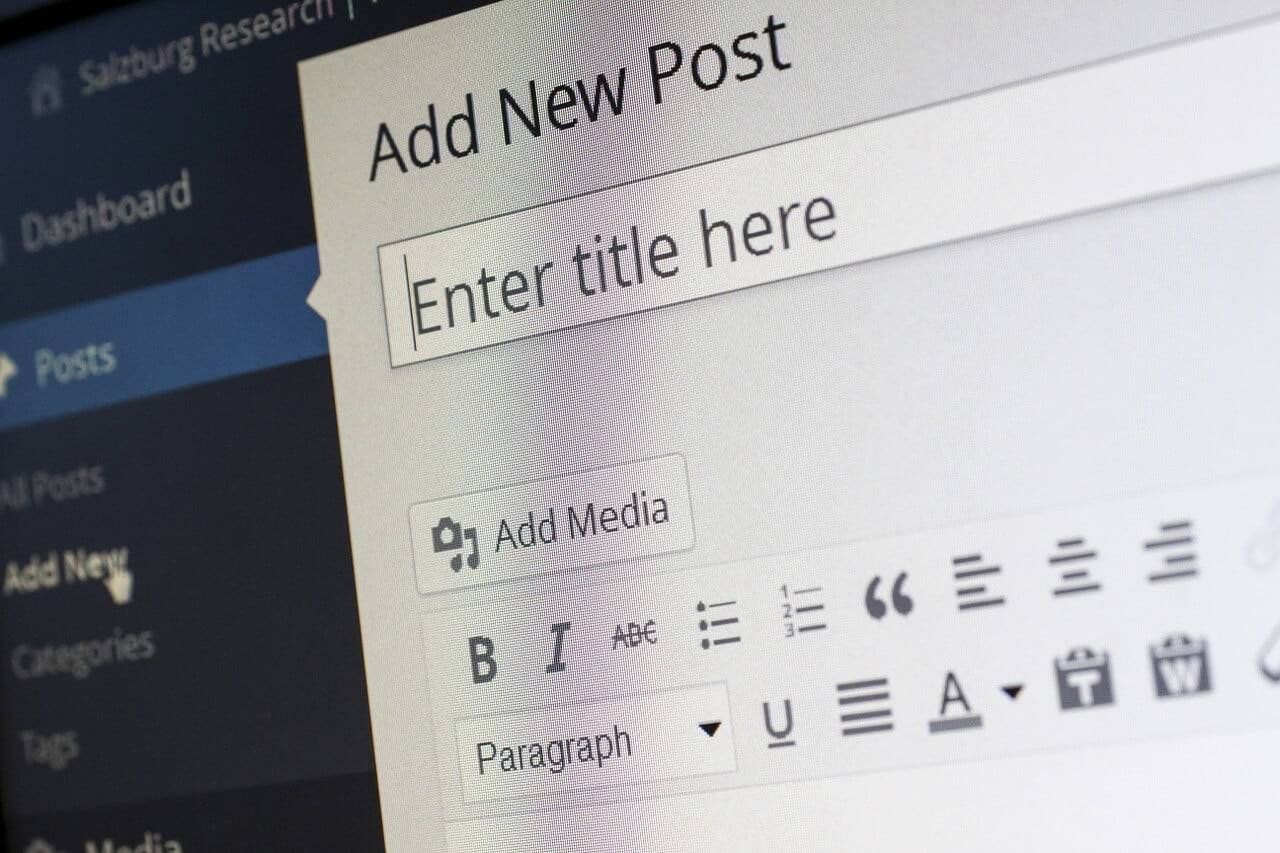
Image via Wix
Our marketing experts have been published on
Forbes



About US – EWR Digital
EWR Digital is a full-service SEO marketing agency that has a team of experienced professionals with a diverse range of skills and expertise. Their team includes digital marketing strategists, website developers, SEO specialists, social media managers, PR Professionals, content creators, and more.
Their team members have worked with a variety of businesses across various industries and are knowledgeable in the latest digital marketing trends and technologies. They prioritize staying ahead of the curve and continually updating their skills and knowledge to provide the best possible results for their clients.
Overall, EWR Digital’s team is dedicated to delivering exceptional results and providing personalized service to each of their clients.
Our Process
We’ve developed a proven, successful process that may look different than you’ve seen from other marketing agencies. At EWR Digital, strategy is at the core of what we do.
Our process provides you a customized strategy that is created specifically for you and your needs.

Free Consultation
Meet with one of our consultants for a free, no-obligation, 20 minute call.
Digital Strategy
Based on your needs, our consultants will suggest an audit or strategy workshop.
Custom Proposal
Once the strategy is established we provide you a customized proposal tailored to accomplish your goals.

Quarterly Kickoff
If you move forward with your custom proposal we’ll start with a quarterly campaign.
Schedule a WordPress SEO Consultation
WordPress SEO FAQ’s
1. General WordPress SEO Questions
What makes WordPress SEO-friendly compared to other CMS platforms?
WordPress has a clean code structure, customizable permalinks, built-in blogging capabilities, and extensive SEO plugin support, making it more SEO-friendly than many other CMS platforms like Wix or Squarespace.
What are the most important SEO settings to configure after installing WordPress?
- Set SEO-friendly permalinks (
Settings → Permalinks → Post Name). - Install an SEO plugin like Yoast SEO or Rank Math.
- Create and submit an XML sitemap to Google.
- Optimize your site for mobile responsiveness.
- Set up Google Analytics and Google Search Console.
How does WordPress handle search engine indexing?
By default, WordPress allows search engines to crawl and index your pages. However, ensure that the “Discourage search engines from indexing this site” option is unchecked in Settings → Reading.
How often should I update my SEO strategy for my WordPress site?
SEO is an ongoing process. Regular updates should be made monthly or quarterly to adjust for algorithm changes, improve keyword targeting, and optimize content performance.
2. Technical SEO for WordPress
What is the best permalink structure for SEO?
The best permalink structure is:https://yourwebsite.com/sample-post/
To set this up, go to Settings → Permalinks and choose Post Name.
How do I optimize my WordPress site for faster loading speed?
- Use a lightweight theme (e.g., Astra or GeneratePress).
- Enable caching with WP Rocket or W3 Total Cache.
- Optimize images with Smush or ShortPixel.
- Use a Content Delivery Network (CDN) like Cloudflare.
- Minimize CSS & JavaScript with Autoptimize.
How do I generate and submit an XML sitemap in WordPress?
- Install Yoast SEO or Rank Math.
- Enable the sitemap feature under
SEO → General → Features. - Submit the sitemap to Google Search Console (
Sitemaps → Add New Sitemap).
How can I optimize my robots.txt file for better crawling and indexing?
A basic SEO-friendly robots.txt file:
This file should be placed in your root directory to guide search engine bots.
How do I ensure my WordPress site is mobile-friendly?
- Use a responsive theme like Astra or OceanWP.
- Enable AMP (Accelerated Mobile Pages) via plugins like AMP for WP.
- Test your site using Google’s Mobile-Friendly Test.
How can I fix broken links and 404 errors on my WordPress site?
Use Broken Link Checker to find and fix broken links or redirect them using Redirection Plugin.
What is schema markup, and how can I add it to my WordPress site?
Schema markup helps search engines understand your content better. Use Rank Math or Schema Pro to add structured data like FAQs, reviews, and events.
3. On-Page SEO for WordPress
What are the key elements of an SEO-friendly blog post?
- SEO-friendly title (Includes the target keyword).
- Engaging meta description (Encourages clicks).
- Optimized headings (H1, H2, H3, etc.).
- Internal linking to relevant content.
- Images with alt text for accessibility.
How should I structure my title tags and meta descriptions?
Your title tag should be:
✅ Under 60 characters
✅ Include the main keyword
✅ Be compelling to users
Your meta description should be:
✅ Under 160 characters
✅ Encourage users to click
✅ Include the main keyword
How do I implement internal linking effectively?
- Link to relevant content within your site.
- Use descriptive anchor text.
- Ensure each post has at least 2-3 internal links.
What’s the best way to optimize images for SEO in WordPress?
- Compress images using ShortPixel or Smush.
- Add descriptive alt text with keywords.
- Use WebP format for faster loading.
4. Off-Page SEO & Link Building for WordPress
How can I build high-quality backlinks?
- Guest posting on industry blogs.
- HARO (Help A Reporter Out) submissions.
- Creating high-value, shareable content.
Does social media impact my WordPress SEO rankings?
Social media doesn’t directly impact rankings but increases engagement, traffic, and backlinks.
5. WordPress SEO Plugins & Tools
What’s the difference between Yoast SEO and Rank Math?
- Yoast SEO is beginner-friendly and widely used.
- Rank Math offers more advanced features like schema markup, keyword tracking, and redirections for free.
What are the must-have SEO plugins for WordPress?
- Yoast SEO or Rank Math (for on-page SEO).
- WP Rocket (for site speed).
- Smush (for image compression).
- Redirection (for fixing broken links).
6. WordPress Site Speed & Performance
What are the best caching plugins for WordPress?
✅ WP Rocket (Best performance)
✅ W3 Total Cache (Advanced settings)
✅ LiteSpeed Cache (For LiteSpeed servers)
How do I enable lazy loading for images and videos?
Use WP Rocket or Lazy Load by WP Rocket to enable lazy loading.
7. Local SEO for WordPress
How do I optimize my WordPress site for local search?
- Use Google Business Profile and ensure NAP consistency.
- Add local schema markup using Rank Math.
- Get customer reviews on Google and Yelp.
8. Security & SEO in WordPress
How does website security impact SEO?
A hacked website can lead to Google penalties and ranking drops. Secure your site using Wordfence or Sucuri Security.
9. SEO Tracking & Analytics for WordPress
How do I monitor my WordPress site’s SEO performance?
- Google Analytics (for traffic data).
- Google Search Console (for keyword performance).
- Ahrefs or SEMrush (for backlink tracking).
Final Thoughts
WordPress SEO is a combination of technical optimizations, content strategy, site speed, link building, and analytics. With the right tools and strategies, you can increase rankings, drive organic traffic, and grow your business online.
Need help optimizing your WordPress site for SEO? Let’s connect! 🚀
Drive more organic traffic with expert WordPress SEO
Ready to unlock the full potential of your WordPress website with expert SEO optimization? Let’s take the first step toward enhancing your online visibility and driving sustainable growth. Contact us today to schedule a consultation and start your journey to SEO success with WordPress! 🚀